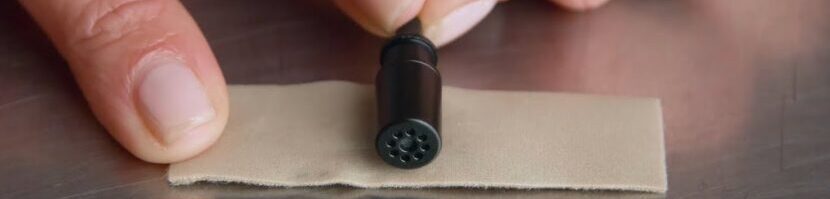
Body mics Use the AUDIO CART as a location work surface. Configure the RECORDER If using Tascam DR-10L Pro, download the TASCAM RECORDER CONNECT app for Apple or Android Configure recorders with these settings. Before the first take: Discuss COSTUMING concerns with the Production Designer. Connect Body MIC → TRANSMITTER → RECEIVER → RECORDER → HEADPHONES. Use a MOLESKIN SANDWICH to position the mic on the sternum roughly 8″ from the performer’s mouth. Use BODY CONTOURS and CLOTHING conceal microphones and wire. Check lighting angle for tell-tale ridges under clothing. Record one minute of ROOM TONE. Each take: Director yells “Roll ’em”; PRODUCTION SOUND MIXER responds “SPEED.” Stop recording only after the director yells “Cut.” LOG file numbers PLAYBACK each recording, monitoring for quality. After the shoot: BACKUP files to laptop. Surrender media for SERVER transfer.